
Diagram
Aplikacja Diagram pakietu CryptPad wykorzystuje Draw.io.
Dokumentacja
Please refer to the Draw.io documentation for a diagram user-guide.
Paski narzędzi
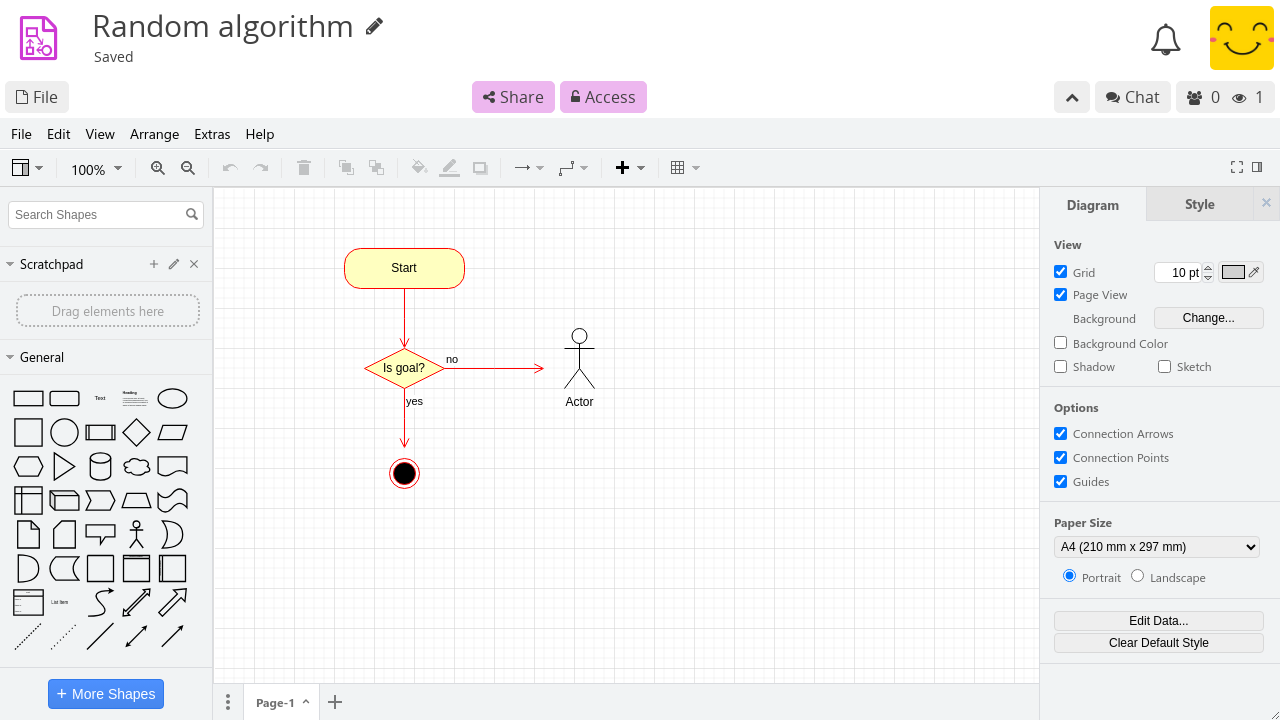
CryptPad integrates Draw.io diagrams into the same encrypted collaboration system as the other applications. Additionally Draw.io provides a wide range of functions in a tabbed toolbar. This results in a double toolbar that can cause confusion:
The topmost CryptPad toolbar is used for File operations (including import/export, history, properties, etc) as well as Share and Access.
The Draw.io toolbar is used for all functionality within the diagram document itself.
Import/Eksport
CryptPad toolbar
Import and export diagram files.
Plik > Importuj.
Obsługiwane formaty:
.drawio Plik > Eksportuj.
Obsługiwane formaty:
.drawioDraw.io toolbar
Add content inside your diagram document or preview it in an image format.
File > Import from.
Obsługiwane formaty:
.drawioFile > Export as.
Supported formats:
.png, .jpg, .svg & .pdf